LeaveWise
Closing a leave year is an admin action available after the year has ended. It creates a recorded finish to the period rather than leaving the team to maintain year-end calculations separately.
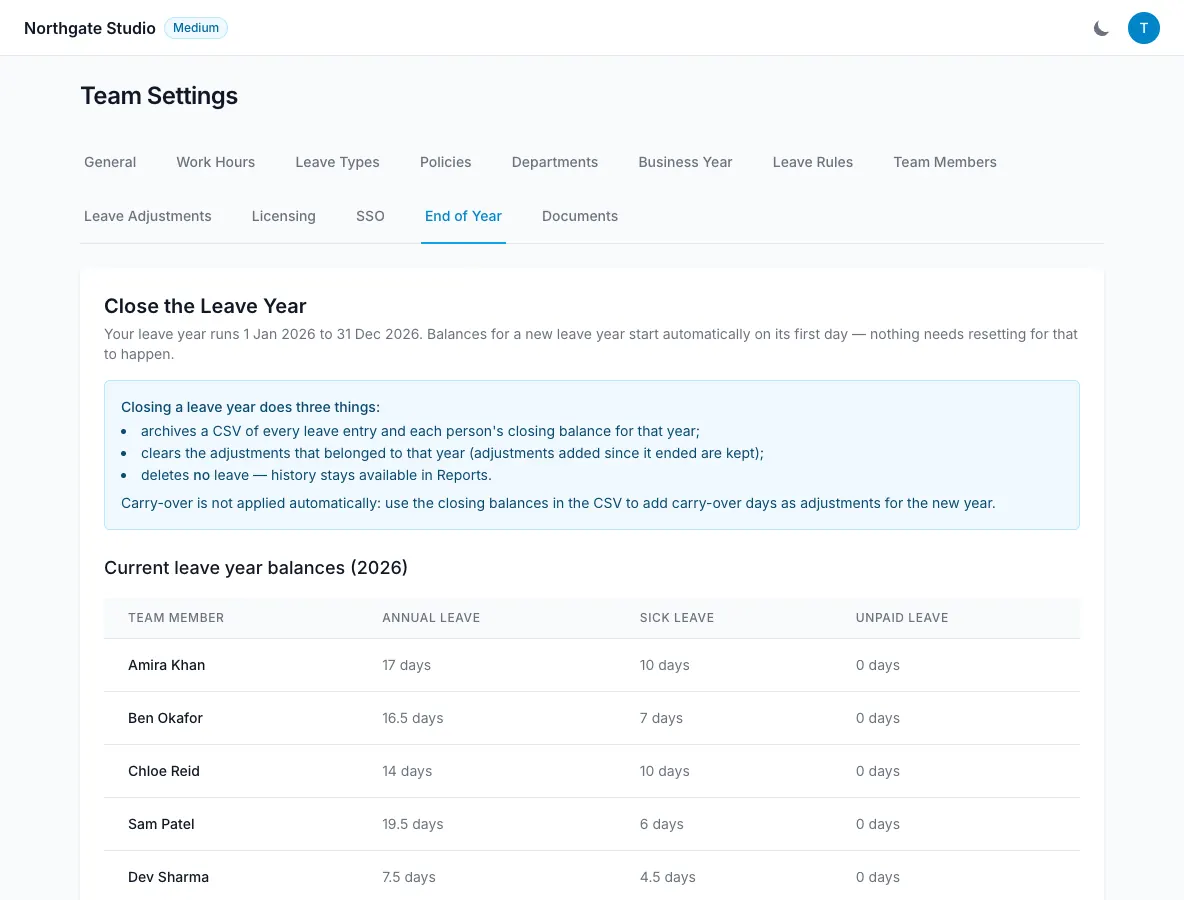
Nothing is deleted by closing. The process archives the year and records the closing position, while preparing carry-over where the team has enabled it.
Review the year before closing
Check the leave-year dates and make sure you are reviewing the intended period. Look at absence records, balances and any adjustments that still need an explanation or correction.
Use reports and leave history to investigate discrepancies. For bookings made on behalf of employees, the history identifies the admin who entered them.
Review unresolved requests and the relevant records with the people responsible for approvals. Do not assume that moving into a new year has automatically settled outstanding administrative work.
Check carry-over settings
If carry-over is enabled, confirm the cap and any expiry period before closing. These should match the rule communicated to the team.
If carry-over is off, do not expect unused days to be transferred by the closing process. An unused balance and a right to transfer it are different questions.
Where policy or individual circumstances are unclear, resolve them before recording the final position.
Close the ended year
Use the administrative leave-year close action. Review the selected year and any confirmation presented by the app.
The process creates a CSV archive, records closing balances, clears that year’s adjustments from the active calculation and creates carry-over when configured.
The archive and closing record preserve the history. Clearing adjustments as part of closing is not a claim that the underlying historical information is erased.
Check the new year
Review a selection of new-year balances, especially people with unused days, TOIL or a part-time pattern. Confirm that carried amounts respect the cap and any expiry rule.
Keep the archive available for your organisation’s own review process. Payroll exports and leave-year archives serve different purposes, so choose the correct output for the question you need to answer.
If a closed-year result needs investigation, refer to the archive and recorded history and ask for support. Do not assume an automatic undo workflow or silently add duplicate carry-over to make a headline balance look right.