LeaveWise
Update your details
Profile → Personal Info holds your name, phone number and photo; Work Info shows your job title, department, start date, working pattern and who you report to (admins edit the last three). Upload a JPG, PNG or GIF photo under 5 MB — it appears on the org chart and Who’s Out.
Your email address is your sign-in, so only a team admin can change it.
Change your password
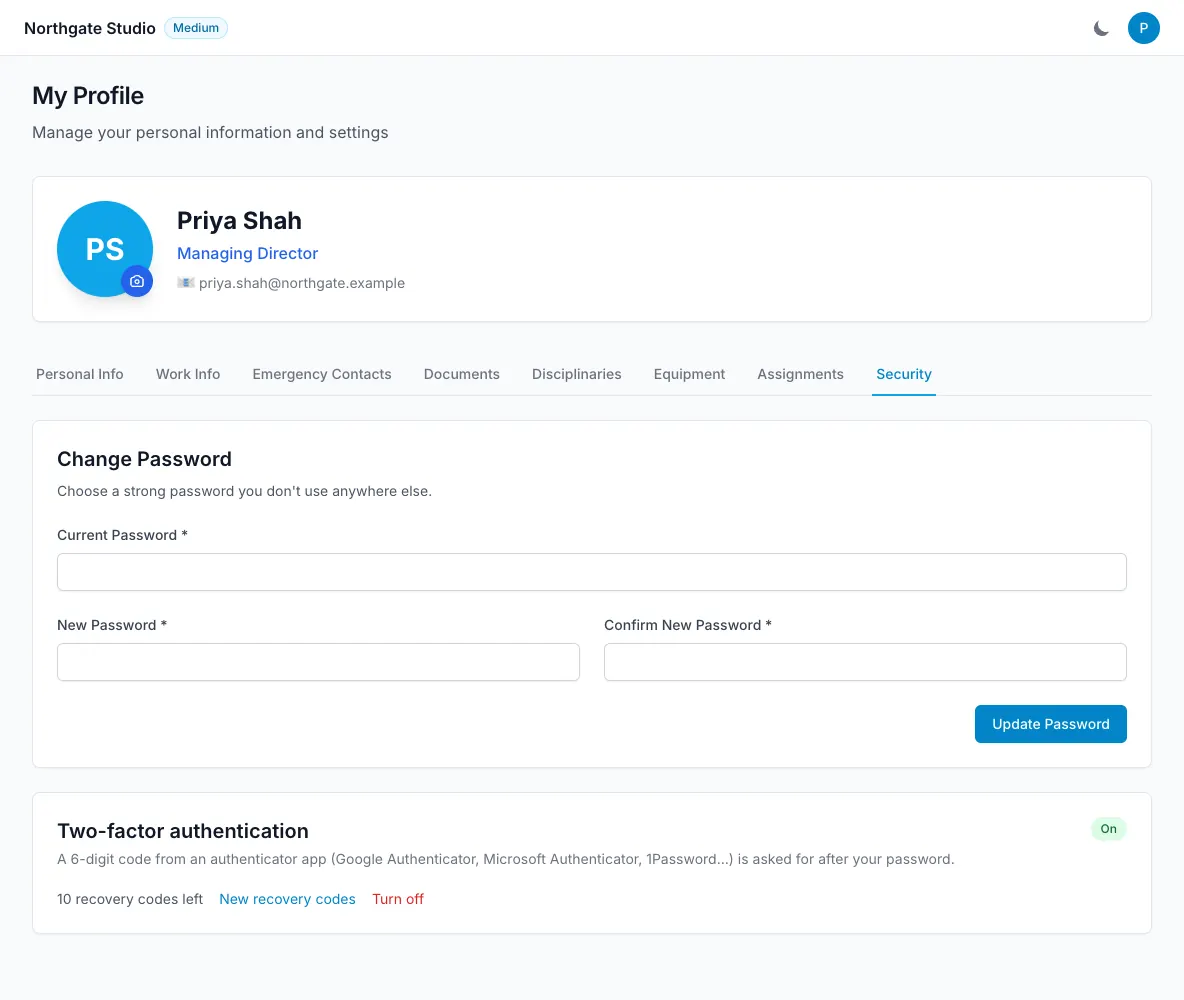
Profile → Security → Change password: enter your current password and the new one (at least 6 characters; longer is better). Accounts that sign in with Microsoft 365 do not have a LeaveWise password.
Forgotten password
On the sign-in page choose Forgot password, enter your email, and follow the link in the email within an hour. The link works once. If no email arrives, check spam and that you are using the address your admin invited.
Team admins can also issue a temporary password from your profile (Reset password); you will be asked to change it when you next sign in.
Locked out
Too many failed sign-ins pause attempts from your connection for 15 minutes. If you have two-factor authentication on and no phone or recovery codes, see two-factor authentication — a team admin can reset it.
Deleting your account
Only a team admin can remove you from a team. If you are the only admin and want to close the team entirely, cancel the subscription from Team Settings → Licensing and email hello@leavewise.app to have the data removed.