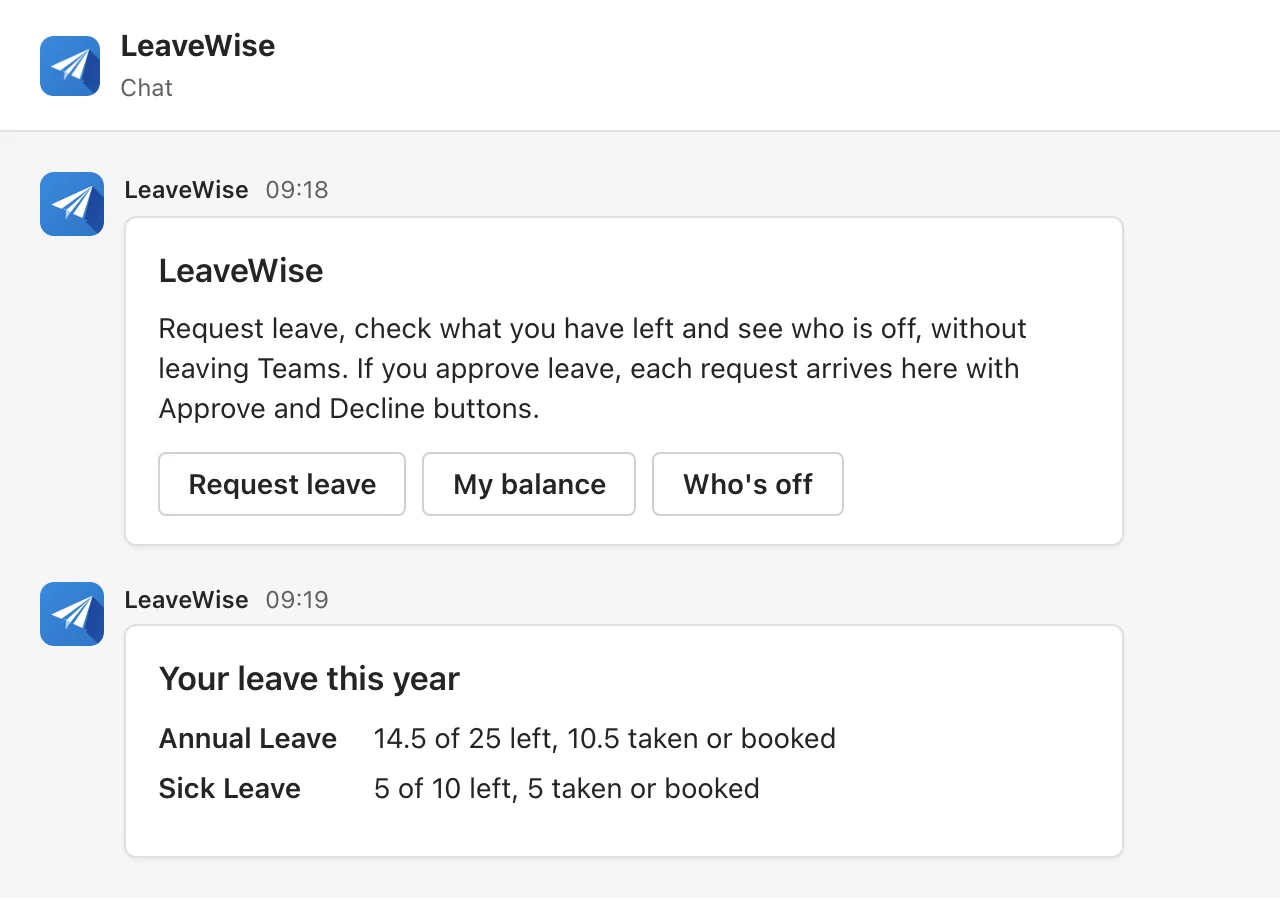
 LeaveWise
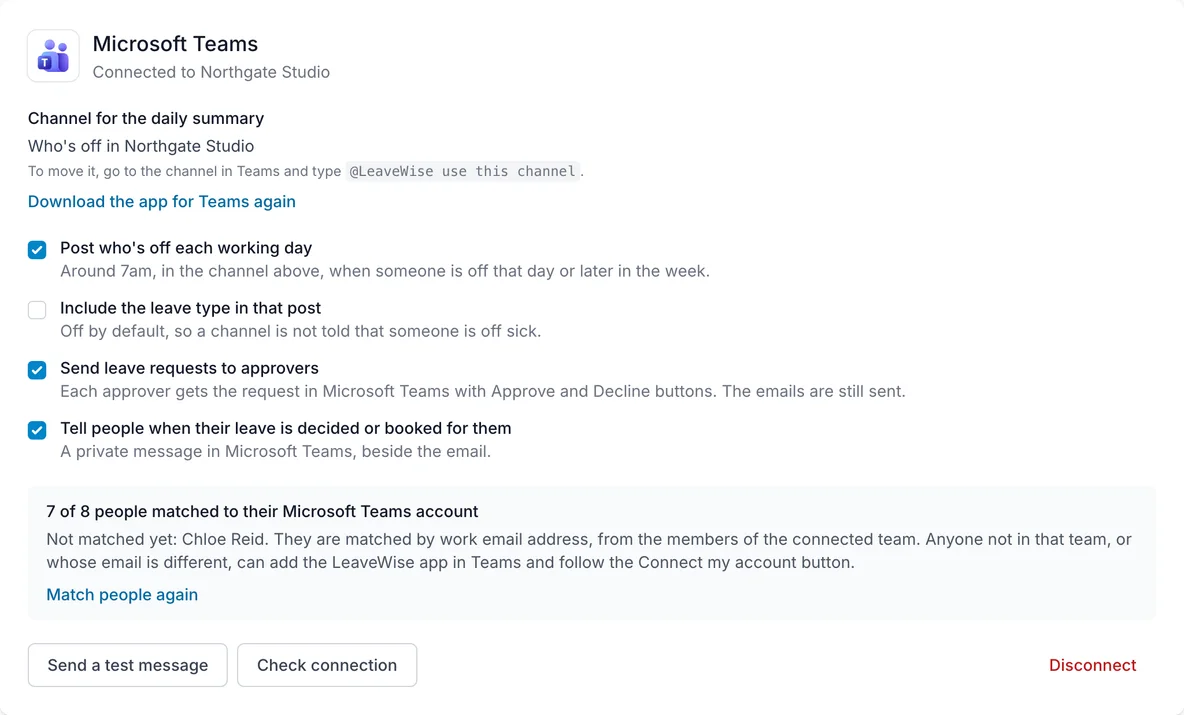
Approve leave on a card in Teams.
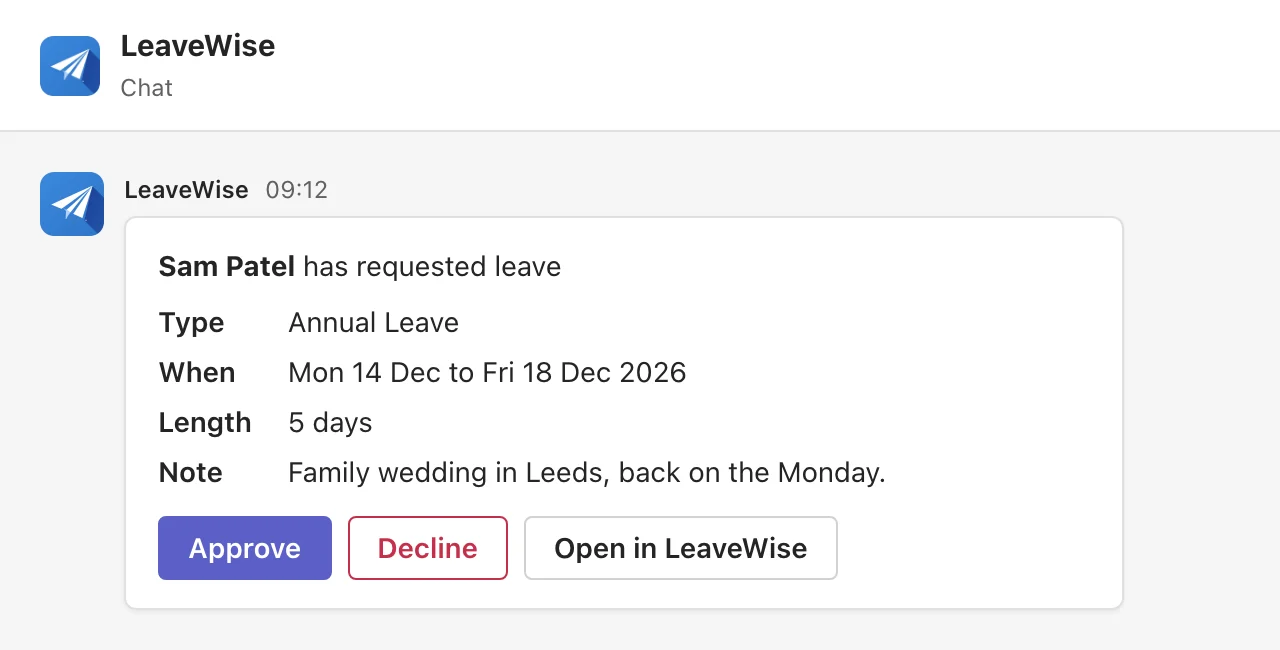
When someone requests leave, their approver gets a card in a chat with LeaveWise: who is asking, the leave type, the dates, how many working days it costs, their note and who else is off then. Approve and Decline are buttons on the card. One press settles it. The card changes to show who approved, the person is told in Teams and by email, and the calendar and their balance update. If two admins were sent the request, both cards change.
- Goes to the department manager, otherwise the team admins
- The requester is told in Teams and by email
- Approving in LeaveWise updates the card too